
Self Hosted Help Desk Ticketing System
Powerful Features for Better Customer Service
Multi-Channel On-Premise Help Desk Ticketing System
Offer multi-channel support through Live Chat, Email, Web Forms, Facebook, and Twitter.
Respond to customer tickets directly from Output Desk without switching between multiple communication channels. Centralize customer conversations, access complete interaction history, and resolve support requests faster with efficient ticket management.
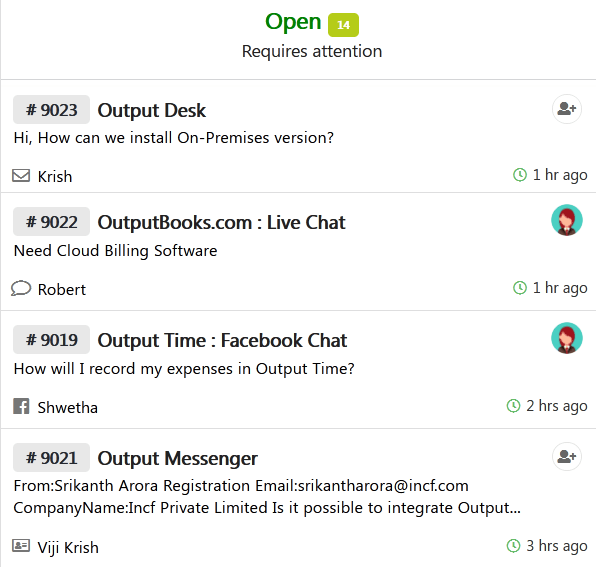
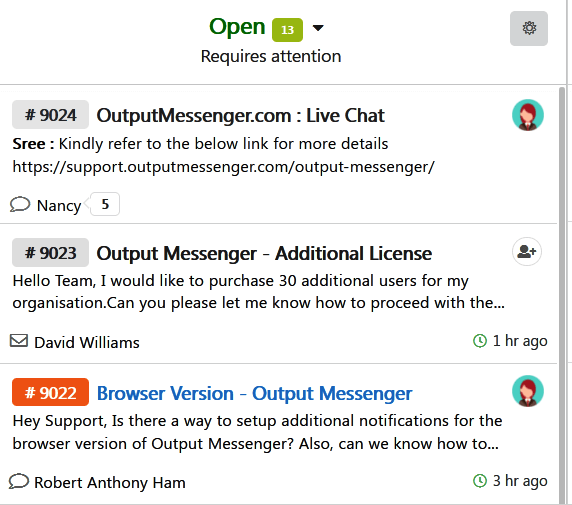
Shared Inbox with Monitoring Capabilities
Team collaboration comes in with shared inbox. By collaborating & accessing a shared inbox, agents/operators can handle their own tickets & provide right support to customers. Everyone can stay updated about each & every ticket so that a better customer support can be provided.
- Achieve Team Collaboration & Focused Customer Support
- Make sure you respond to every customer inquiry
Web Chat Application
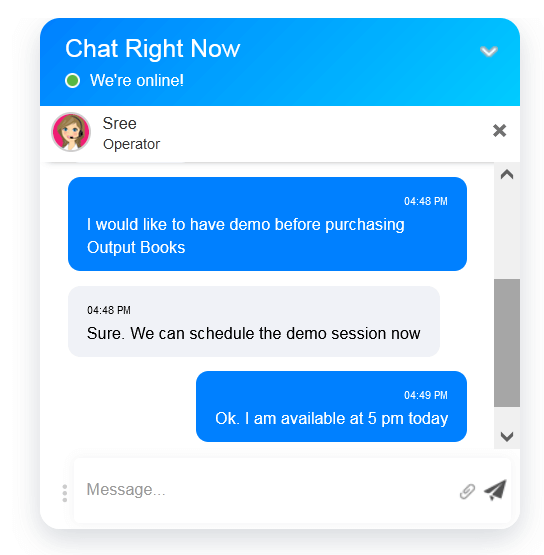
Let your customers reach you via live chat by embedding Output Desk live chat in your multiple websites. Get those chats as tickets in live & reply to customers instantly.
Send attachments, allow your customers to share screen with your agents during live chat & provide a great support.
Manage Departments
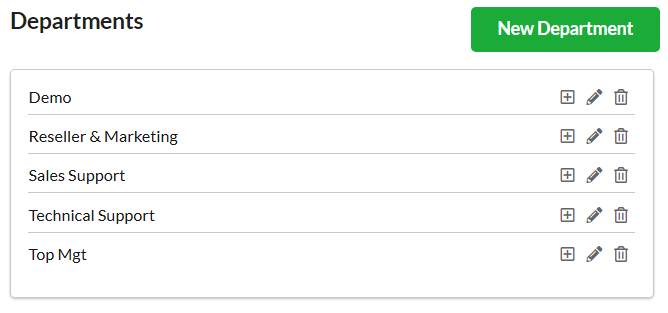
Output Desk helps you provide the right answers to customers through dedicated departments. Departments are managed in the Administrator’s account.
CRM for Scaling Up Business
Deliver personalized service to your customers with Output Desk CRM (Customer Relationship Management).
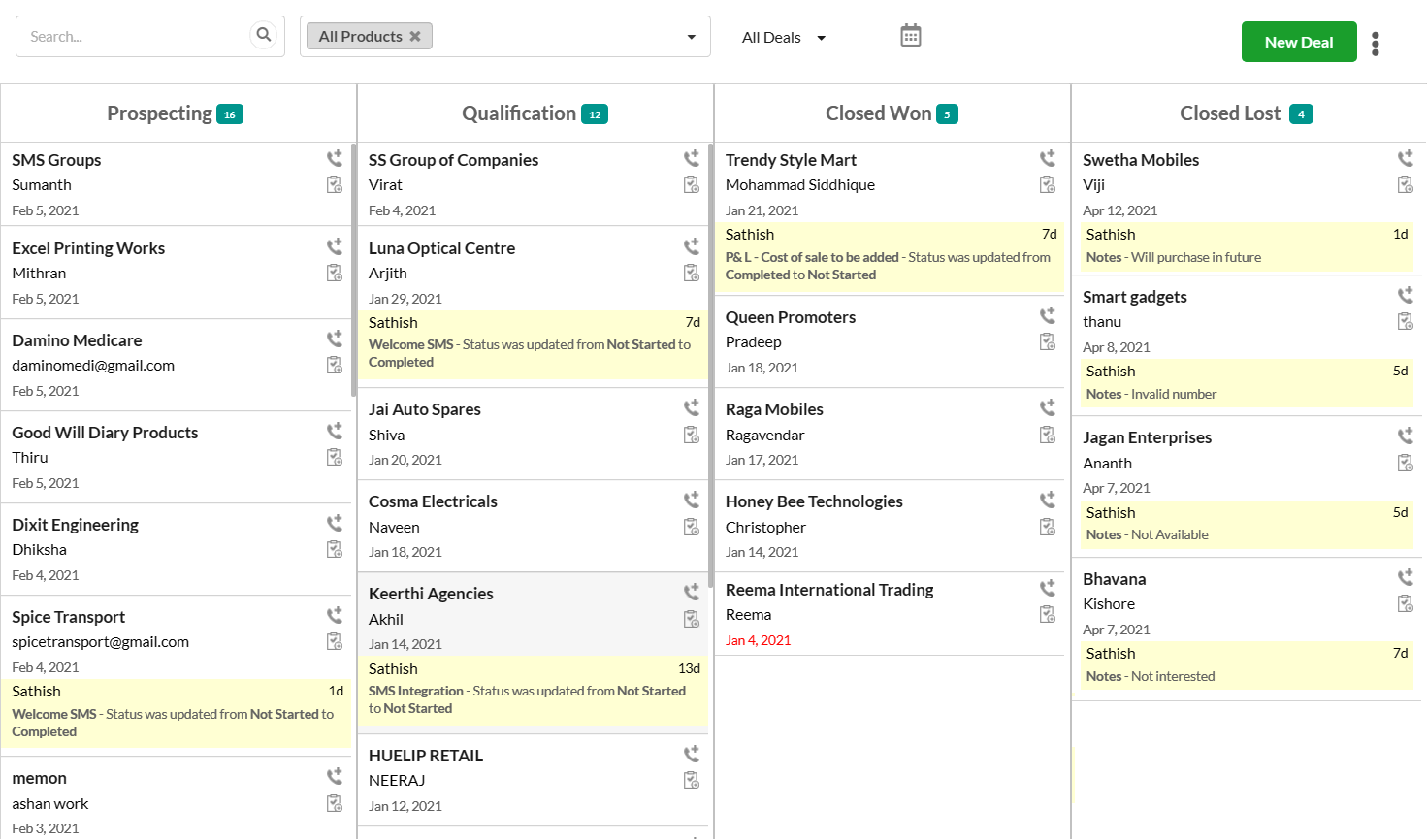
Boost sales, build customer loyalty, and develop stronger relationships with your customers. Track every sales activity of your leads
and customers in one place. Automate your sales processes by:
- Create & Manage Leads efficiently.
- Follow-Up and convert leads to deals faster in a single click.
- Track deals with various deal stages in your Sales pipeline.
- Automate your Workflow by reducing time spent on repetitive tasks like emails, lead follow-ups, etc.(CRM Rules)
- Analyse real-time CRM Reports and know your sales level, ad campaigns, activities & team performance.
Optimizing SLA Performance
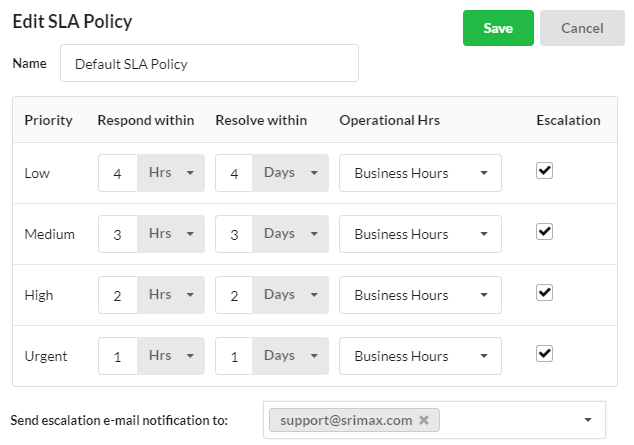
Automate your ticketing system with SLAs & keep on top of customer conversations. Set respond and resolution time and maintain your customer service levels. Escalate breaches (or) violations to managers automatically to take quick action.
Smart Automation Rules
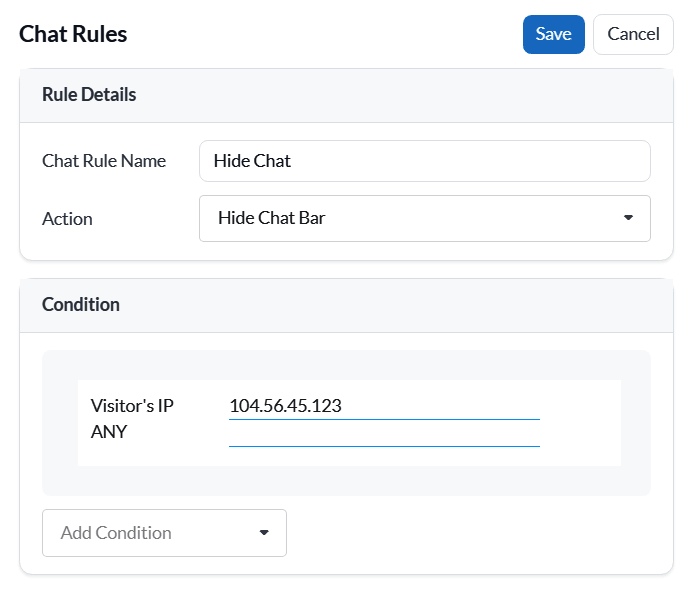
Set smart rules for tickets and live chats and automate your work flow. Engage your customers with:
- Auto ticket management as per rules.
- Triggering Auto-Chat Invitations.
- Route your chats to right agent and respond promptly.
- Hide chat bars for specific URL or visitors etc.
Real-Time Reporting in Help Desk Software
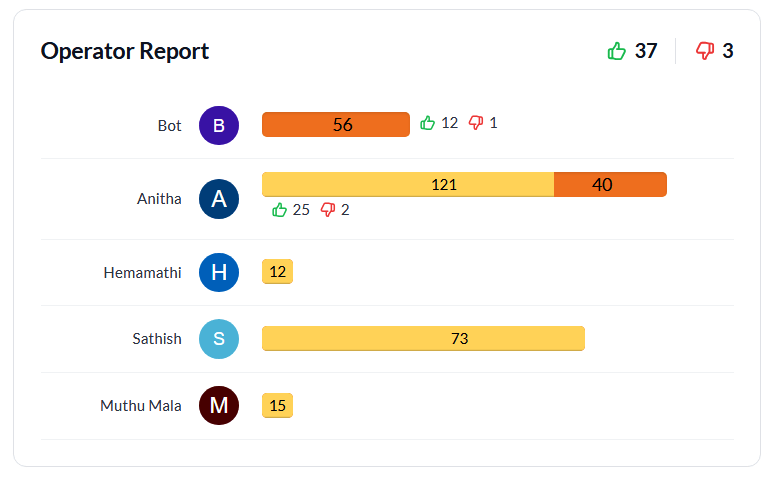
Reports hold the complete insights that you could need to enhance your customer service. Effectively manage your ticketing software by getting analyzed details of your overall performance in your email inbox.
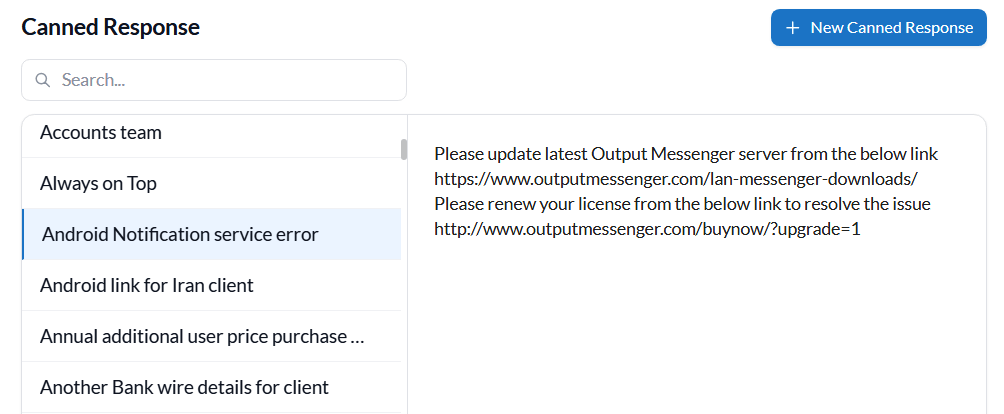
Canned Responses for Customer Support
Speed up your response by adding canned messages to your tickets/chats. Set up Predefined responses for FAQ’s and send prompt replies.
Help Desk with Conversation History
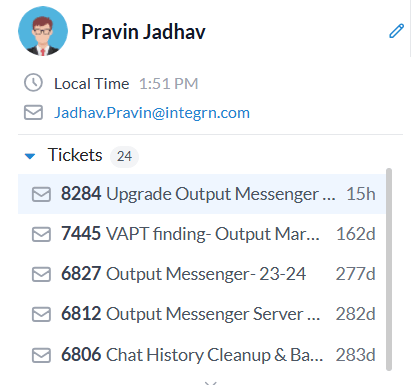
Record & view all the previous communication(tickets / chats) of the customer using chat/ticket logs. Have customer details as records in tickets and recognize your existing customers.
Collaborate with Your Support Team
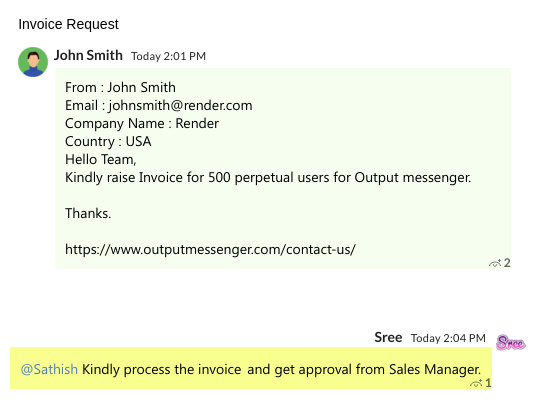
Work together as a team to support your customers by discussing via Private Internal Notes. Create notes which are visible only to your team & let your team be updated on every ticket activity(history).
Multiple Email Accounts
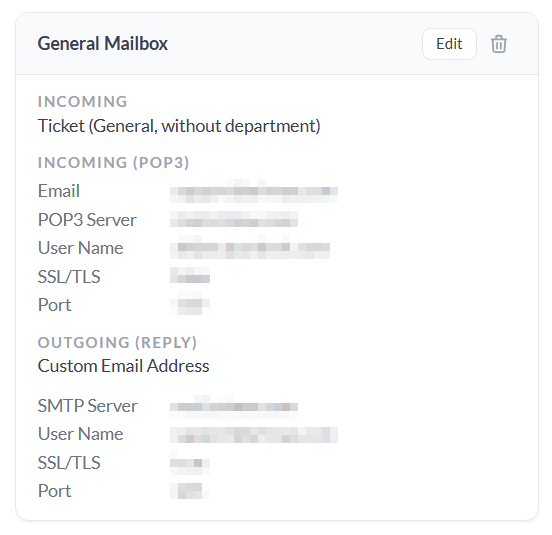
Bring your mail box as tickets and keep tracking of everything. Merge, Organize, Prioritize & Follow every mail from multiple email accounts as tickets.
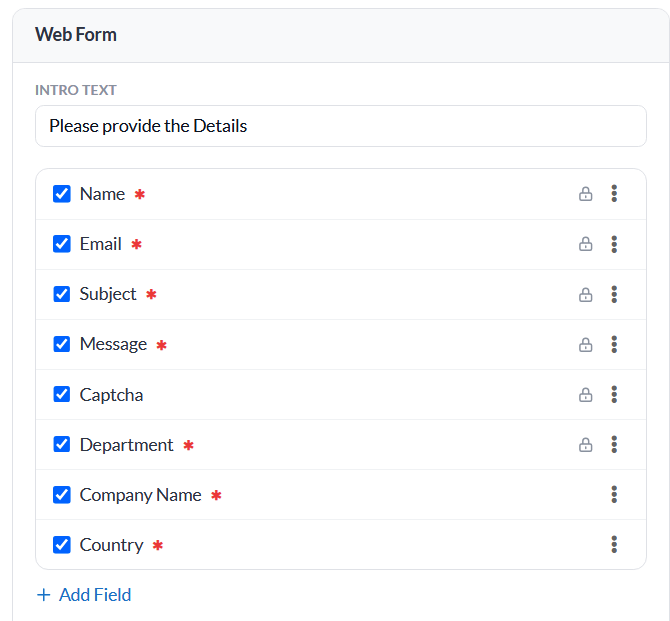
Contact / Web Form
Customize and Design your contact form with desired fields to meet your needs. Embeddable contact form helps your customers to contact you straight from your website.
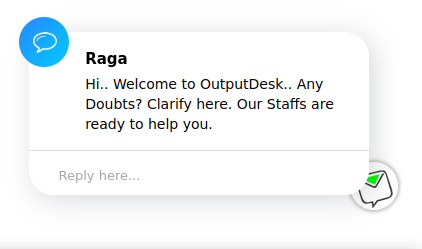
Greet and Engage Your Visitors
Initiate your customer service by triggering Proactive invitations automatically using predefined chat rules or manually by live chat agent.
- Let your customers know you are ready for help
- Make sure you respond to every query
Enable 24/7 Customer Support
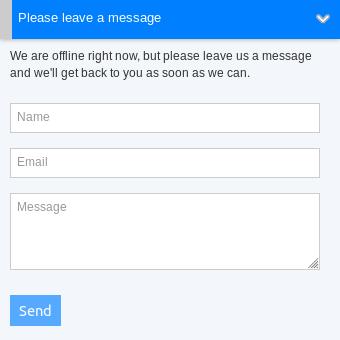
Allow your customers to reach you even when you are offline through tickets. Handle offline messages as tickets and help them by responding when you are back at desk.
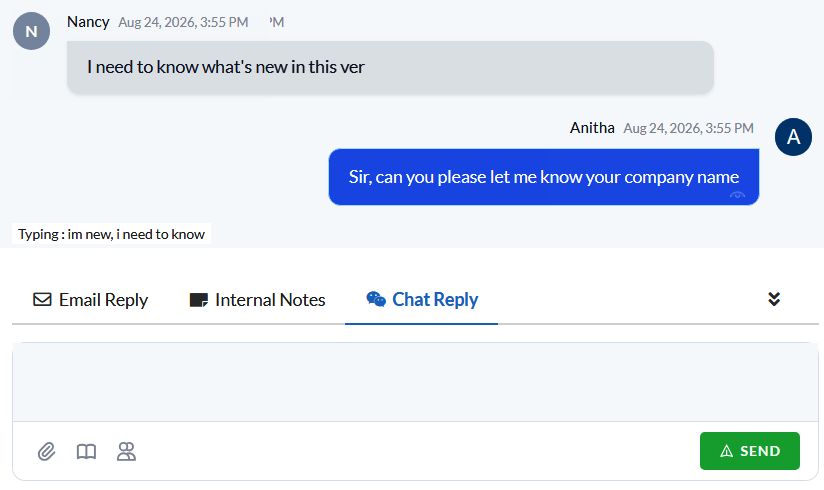
See What Your Visitors Are Typing
View the message your customer is typing in real time even before they are sending and be prepared to help with appropriate replies on time.
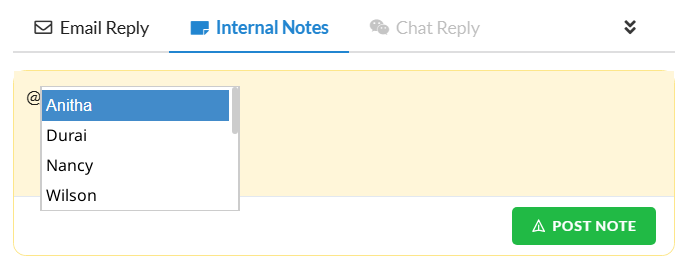
Mention Operators in Conversations
Tap on your operators shoulder by pinging them to appropriate tickets using @mentions. Get notified then & there and prioritize your work.
- Multiple Channel Ticketing System
- Shared Inbox with Tracker
- Website Live Chat Tool
- Greet and Engage Your Visitors
- CRM for Scaling Up Business
- SLA Management
- Enable 24/7 Customer Support
- Canned Response
- Chat Diaries
- Collaborate with Your Support Team
- See What Your Visitors Are Typing
- Mention Operators in Conversations
- Real time Reporting
- Smart Rules for Automation
- Email Accounts
- Contact/Web Form